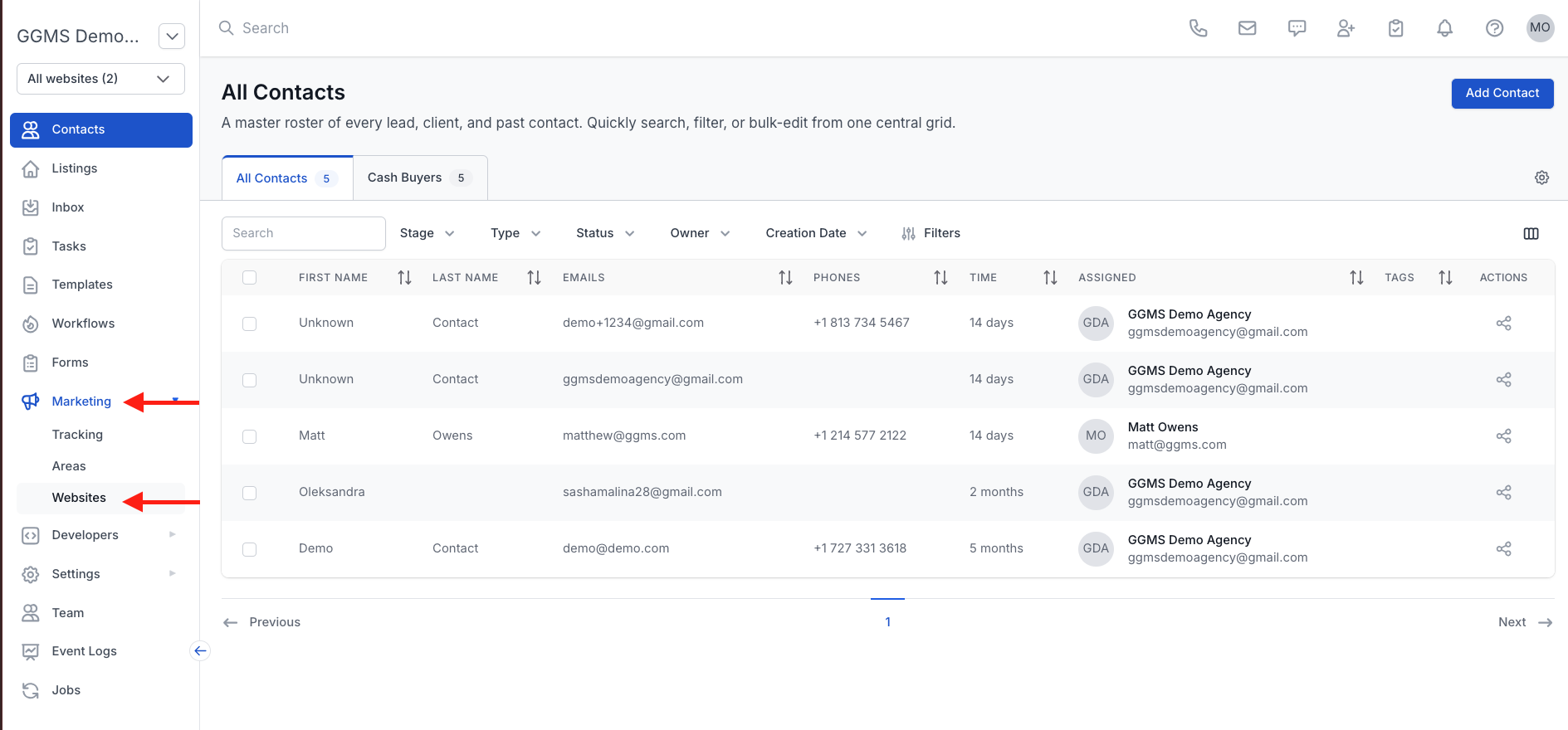
December 30, 2025 How to Access the Website. Accessing Your Website From the CRM In the left-side panel, click Marketing. In the Marketing menu, select Websites. Locate your domain in the list. Hover over the domain and click the website browser icon (circled below). You will be taken directly to the live website.
.png?width=250&height=38&name=GGMS%20Knowledge%20Base%20Logo%20(1).png)